
Learn & try
Create an event website and invitation
Local practice only. No email, SMS, payments, claims, or publication. Sample guests and responses never enter your account.
Watch the step-by-step walkthrough
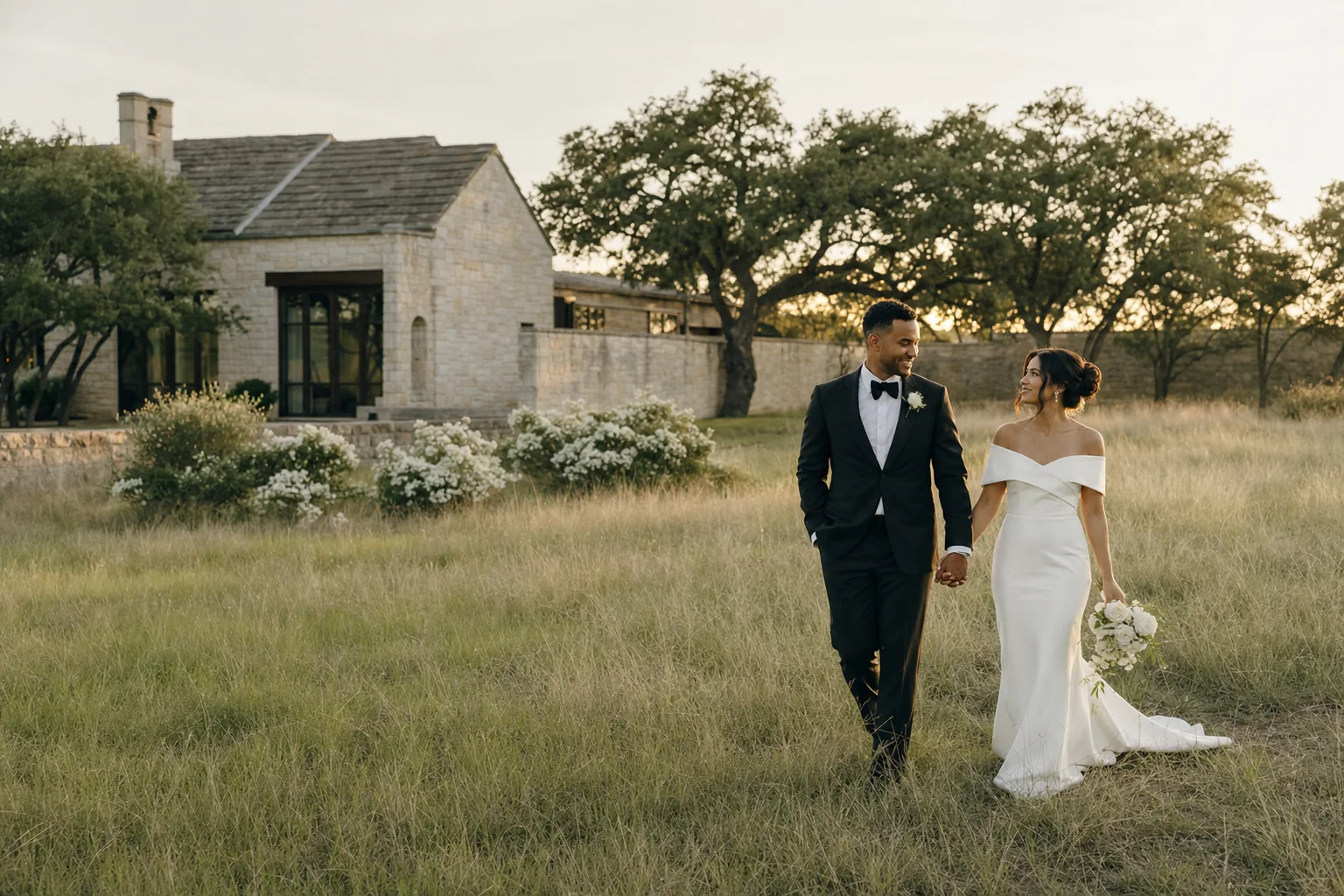
Sample event
Alex & Morgan
An evening of good company and celebration.
Austin, Texas
Sample ready.
Text walkthrough
Create an event website and invitation
Choose an event
Choose an event type. A conference needs an agenda and arrival details; a wedding needs a guest welcome and celebration schedule.
Edit the welcome
Edit the heading and welcome, choose a color, and compare the website and invitation at phone and desktop sizes.
Review the result
Continue with the selected design and event type. Enter your real details in the private draft wizard; sample people and demo copy are not imported. Review your draft before publishing or sending anything.
Watch the captioned walkthrough, or follow the complete steps above.
Browse all finished designs Current plans and optional upgrades