

Encalio

Learn Encalio

See the platform from the role you care about.

Encalio connects public discovery, private planning, vendor booking, ticketing, attendees, event-day details, media, reviews, and follow-up around one event.

People using Encalio to plan an event
Organizer reviewing event plans

1 · Organizers

Plan the event, compare vendors, and keep everything connected.

  1. Step 1

    Create the event workspace

  2. Step 2

    Build guest, RSVP, budget, checklist, layout, and timeline details

  3. Step 3

    Compare vendors, request quotes, accept proposals, and coordinate payments

  4. Step 4

    Run command sheets, collaborators, volunteers, galleries, and post-event follow-up
Vendor reviewing bookings and inquiries

2 · Vendors

Help organizers find you, ask questions, and book with confidence.

  1. Step 1

    Publish a profile with packages, pricing, media, terms, service areas, and custom sections

  2. Step 2

    Receive clear inquiries with helpful event details

  3. Step 3

    Send quotes, venue guides, branded proposals, contracts, and payment schedules

  4. Step 4

    Track campaigns, galleries, reviews, bookings, and follow-up

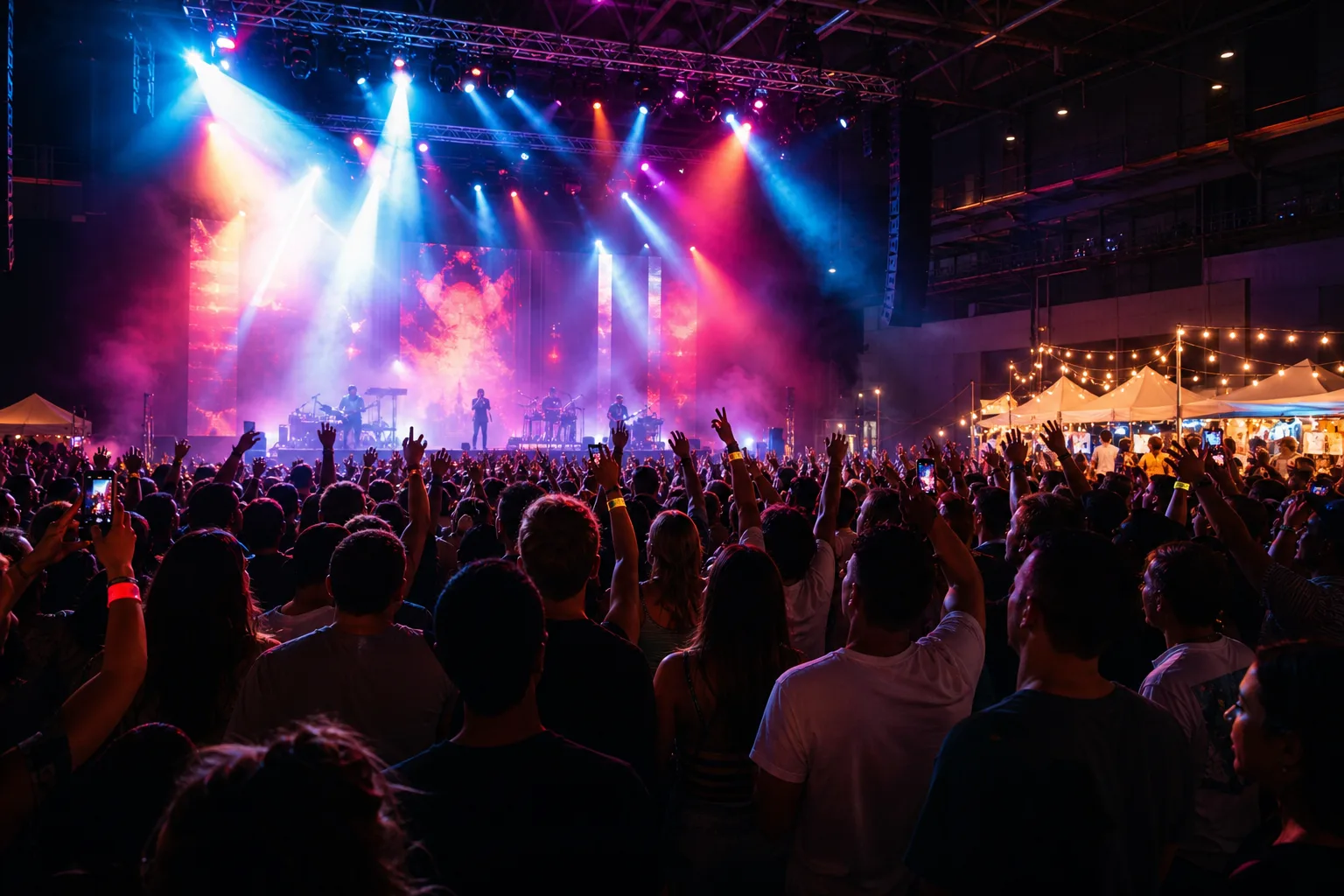
Attendees at a live event

3 · Attendees

Find events, RSVP, recover tickets, check in, and stay connected.

  1. Step 1

    Browse public events or open a private invitation

  2. Step 2

    Buy tickets, recover passes, RSVP, and add calendar details

  3. Step 3

    Use QR passes, event hubs, announcements, maps, schedules, and FAQs

  4. Step 4

    Share photos, send feedback, and keep event memories after the event

Event celebration with shared media

4 · Media galleries

Collect event memories without splitting guests, vendors, and organizers across tools.

  1. Step 1

    Publish event galleries and optional upload links

  2. Step 2

    Group media by event, guest context, or vendor gallery

  3. Step 3

    Use private vendor galleries for portfolio-style proof

  4. Step 4

    Keep media tied to the event record, invitations, and post-event follow-up

Everything in one place

What stays connected inside Encalio

Encalio keeps discovery, planning, booking, payments, event-day details, and memories close together so people are not chasing updates across scattered tools.

All Features

Discovery

  • Public event pages
  • vendor marketplace
  • venue SEO pages
  • feature and replacement guides

Planning

  • event workspace
  • checklists
  • guests
  • layouts
  • budgets
  • timeline and command sheet

Booking

  • inquiries
  • shortlists
  • quotes
  • branded proposals
  • contracts
  • payment milestones

Event day

  • scanner
  • event-day roles
  • volunteers
  • announcements
  • support tickets
  • reporting

Memory

  • media galleries
  • reviews
  • trust snapshots
  • post-event feedback
  • repeat vendor activity

Compare the public paths